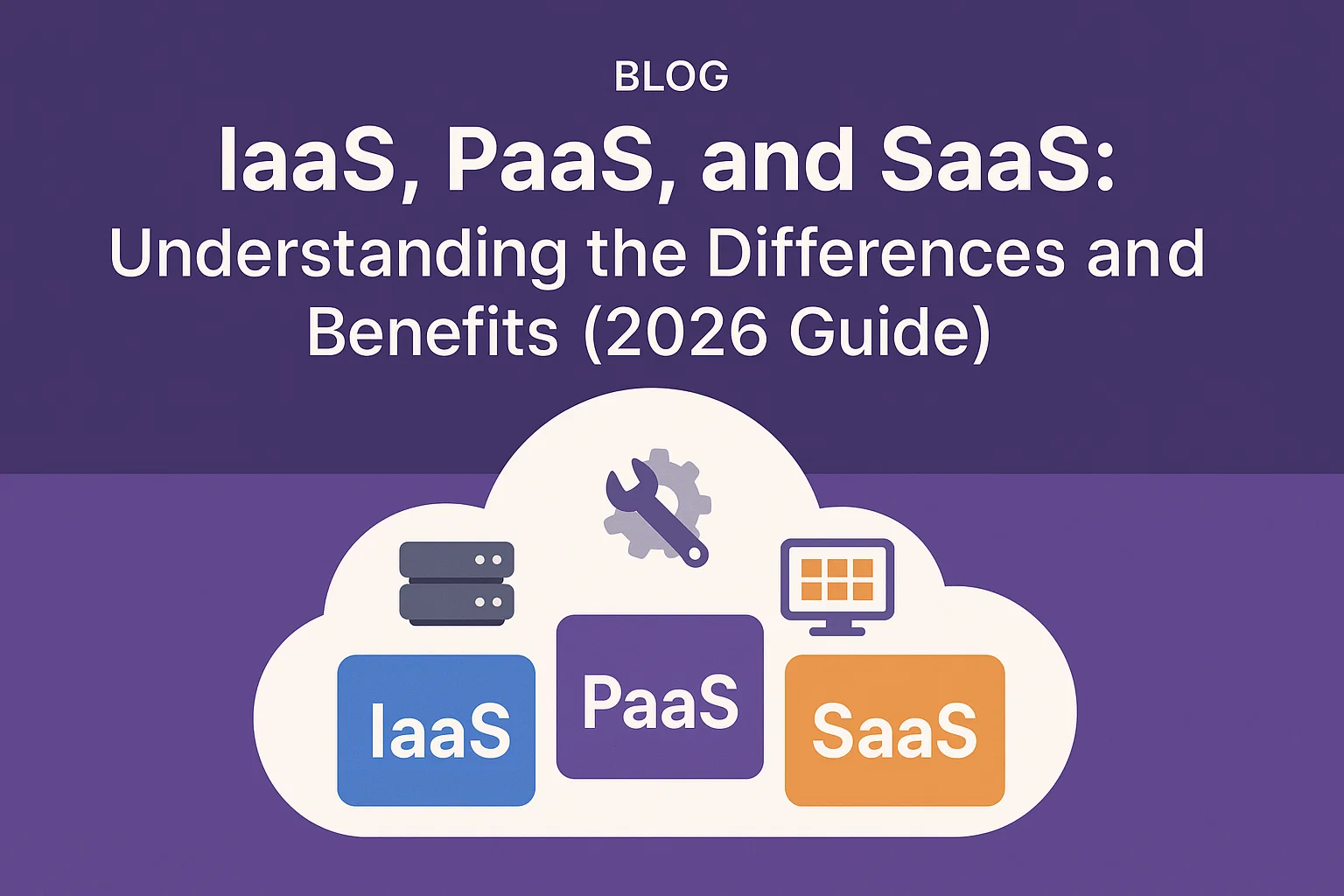
IaaS vs PaaS vs SaaS: Understanding the Differences and Benefits (2026 Guide)
Key Takeaways
- IaaS (Infrastructure): Maximum control; you manage the OS, application, and data. Best for customized workloads.
- PaaS (Platform): Focus on development; the vendor manages the OS and middleware. Best for rapid application building.
- SaaS (Software): Maximum convenience; the vendor manages everything. Best for end-user business applications.
- The global IaaS market is projected to hit $190.32 billion in 2025, showing its continuing role as the cloud backbone.
- The PaaS market is growing rapidly (CAGR of 22.31%), driven by the need for AI-native development platforms.
What are the key differences and benefits of IaaS, PaaS, and SaaS?
IaaS vs PaaS vs SaaS. The distinction lies in the level of control and management responsibility you retain versus what the cloud provider handles, fundamentally impacting your agility, customization, and operational overhead.

Understanding these three core service models IaaS (Infrastructure as a Service), PaaS (Platform as a Service), and SaaS (Software as a Service)—is essential because they form the foundational pillars of cloud computing.
Choosing the right model dictates your speed to market, your level of technical debt, and your overall innovation capacity in 2026.
Understanding The Basics Through The Pizza Analogy
The easiest way to understand the three models is to compare them to how you acquire a service, such as getting a pizza, with the degree of vendor management increasing from left to right.
1. IaaS: Infrastructure as a Service (The Take-and-Bake Pizza)

Definition: IaaS provides the basic building blocks of cloud IT—servers, storage, networking, and the hypervisor (virtualization). You rent the raw components.
- You Manage: Operating System (OS), Middleware, Runtime, Application, and Data.
- Vendor Manages: Storage, Servers, Networking, and the underlying Physical Data Center.
- Analogy: You get the kitchen (the server, network) but you must buy the oven, ingredients, and cook the meal yourself.
- Examples: AWS EC2, Google Compute Engine (GCE), Microsoft Azure VMs.
- Best For:
- Customized Workloads: Migrating complex, legacy applications (Lift and Shift).
- DevOps/Testing: Need maximum control over the OS and environment for specific testing needs.
- Disaster Recovery: Creating scalable, cost-effective off-site data replication.
2. PaaS: Platform as a Service (The Delivery Pizza)
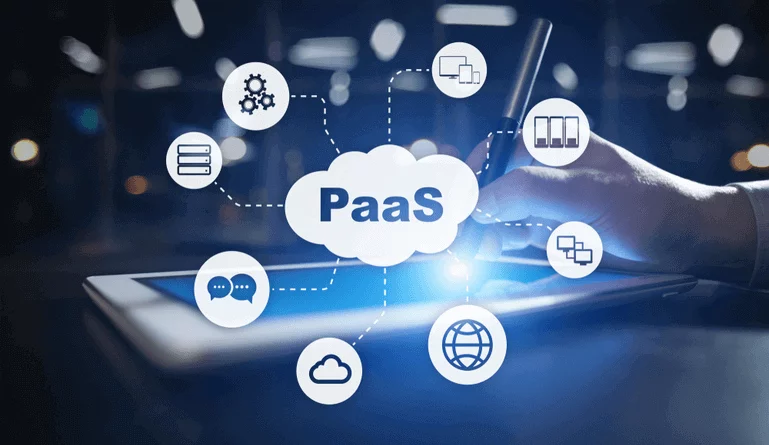
Definition: PaaS provides a ready-to-use environment for building, running, and managing applications without the complexity of managing the infrastructure or operating systems.
- You Manage: Your Application Code and Data.
- Vendor Manages: OS, Middleware, Runtime, Servers, Networking, and Storage.
- Analogy: You get the oven, ingredients, and base prepared for you. You just need to create the final recipe (the application code).
- Examples: AWS Elastic Beanstalk, Google App Engine (GAE), Heroku.
- Best For:
- Rapid Application Development: Developers can focus purely on coding, accelerating time-to-market.
- Cloud-Native Development: Ideal for microservices, containers, and functions (Serverless).
- API Management: Built-in tools simplify the development and security of APIs.
3. SaaS: Software as a Service (The Catered Pizza)

Definition: SaaS provides ready-to-use, cloud-hosted application software. The end-user simply accesses the service via a web browser or client application.
- You Manage: Nothing but user data and access rights.
- Vendor Manages: Everything—Application, Runtime, OS, Middleware, Servers, and Networking.
- Analogy: Everything is handled for you. You just subscribe, show up, and eat the finished pizza.
- Examples: Google Workspace (Gmail), Salesforce, Slack, Microsoft Office 365.
- Best For:
- Business Users: Immediate value for CRM, email, collaboration, and HR.
- Predictable Costing: Simple per-user, per-month subscription model.
- Small Businesses: Access to sophisticated software without large upfront IT costs.
| Component | On-Premises | IaaS | PaaS | SaaS |
| Networking/Storage/Servers | You Manage | Provider Manages | Provider Manages | Provider Manages |
| Operating System (OS) | You Manage | You Manage | Provider Manages | Provider Manages |
| Middleware/Runtime | You Manage | You Manage | Provider Manages | Provider Manages |
| Applications | You Manage | You Manage | You Manage | Provider Manages |
| Data | You Manage | You Manage | You Manage | You Manage (Access) |
Strategic Benefits for Modern Startups
New startups and growing businesses often leverage a combination of all three models to maximize efficiency and stay lean.
IaaS Benefits: Flexibility and Scale
- Cost Efficiency: Eliminates the need for massive upfront capital expenditure on hardware. You only pay for the capacity you use.
- Unparalleled Scalability: Allows for rapid vertical or horizontal scaling to meet sudden, unpredictable traffic spikes (e.g., during seasonal sales).
- Full Control: Essential for systems requiring a custom OS or highly specific network and security configurations that PaaS may not allow.
PaaS Benefits: Velocity and Focus
- Faster Time-to-Market: By abstracting the infrastructure layer, PaaS lets development teams provision environments in minutes, not weeks, significantly accelerating the CI/CD pipeline.
- AI Integration: Many PaaS platforms now come pre-integrated with tools and APIs for developing and deploying Generative AI models (e.g., Microsoft Azure AI Foundry), making AI development accessible.
- Reduced Operational Load: The provider handles patching, security updates, and OS maintenance, freeing up developers for high-value coding.
SaaS Benefits: Simplicity and Global Reach
- Instant Deployment: Applications are ready to use immediately, with zero installation or setup required.
- Predictable Budgeting: Simple subscription models make IT spending predictable and scalable based on user count.
- Automatic Updates: Users always access the latest version with new features and security patches applied automatically by the vendor.
Expert Advice and Future Trends (2026)
Embrace the Hybrid Strategy
“The idea of going ‘100% all-in’ on one cloud model or provider is obsolete for most enterprises in 2026. The reality is a permanent Hybrid and Multi-Cloud model.
Startups should leverage SaaS for speed (CRM, Email), PaaS for application building velocity (microservices, AI), and IaaS for specialized, high-control compute needs.
The strategic success lies in platform engineering—building an internal platform that seamlessly integrates all three models with unified governance.” — Cloud Infrastructure Report, Simplify Solutions 2025
Future Trends & Optimization Tips
- Serverless Ascendancy (PaaS/FaaS): The continued growth of Serverless (Function as a Service, a subtype of PaaS) is expected to dominate, pushing developers even further away from managing infrastructure. Tip: For new applications, explore Serverless architectures first (AWS Lambda, Azure Functions) to minimize idle cost.
- AI-Native Platforms (PaaS): PaaS is becoming the hub for AI. Platforms are being re-architected with TPUs and GPUs as first-class resources, making it easier to build and deploy complex AI models.
- FinOps Focus: Since cloud cost management remains a challenge, startups must adopt FinOps principles, tracking costs not just at the IaaS layer (EC2) but also at the PaaS consumption layer, ensuring costs align with business value. Tip: Use resource tagging (e.g.,
project:frontend,cost_center:dev) across all three models to attribute spending accurately.
Frequently Asked Questions (FAQs)
Q. For a brand new startup, should we start with IaaS, PaaS, or SaaS?
A. Start with SaaS for non-core business functions (e.g., HR, accounting, communication) for maximum speed and minimal overhead. Use PaaS for developing your core proprietary application to maximize developer velocity and innovation. Only use IaaS if your application has unique hardware or OS requirements that PaaS cannot support.
Q. What is “Vendor Lock-in” and which model is most susceptible?
A. Vendor lock-in is the risk of being unable to easily move your data, applications, or infrastructure from one vendor to another. PaaS is generally considered the most susceptible because it uses proprietary tools, APIs, and frameworks optimized for that platform, making migration costly and complex.
Q. Which layer is responsible for security in each model?
A. Security is a shared responsibility, and this delineation is crucial to defining your cybersecurity strategy. For IaaS, the provider secures the physical data center, servers, and networking, but the customer is entirely responsible for securing the Operating System (OS), middleware, and the application itself.
With PaaS, the provider takes on more of the underlying security burden, managing the OS, runtime environment, and middleware patching, leaving the customer responsible for securing only their proprietary application code and the data stored within.
Finally, with SaaS, the provider secures the entire application, infrastructure, and all updates, but you remain responsible for securing user access (MFA, strong passwords) and defining internal data governance policies.
Q. How does PaaS accelerate the DevOps pipeline?
A. PaaS provides pre-configured environments and built-in automation for deployment. Since developers don’t need to manually patch the OS, set up load balancers, or configure virtual networks, they can push code changes directly to the platform, which handles deployment, scaling, and rollbacks instantly.