10 Cybersecutiy Myths Busted On What You Think About Your Online Security
Key Takeaways
- Simply deleting a file does not erase it; specialized tools are required for permanent data removal.
- All systems are targets because automated tools scan the internet for any vulnerability.
- Antivirus software is insufficient; users must employ Multi-Factor Authentication (MFA) and regular updates.
- Incognito mode does not hide your IP address or stop tracking by your ISP or external sites.
What is the biggest myth people hold about their online security? The biggest myth is believing you are not a target and that your current defenses are strong enough against automated attacks. This misconception leads individuals and organizations to make costly security mistakes every day. Unfortunately, common myths often cloud the real digital risks.
This comprehensive guide debunks the top 10 cybersecurity misconceptions. We provide the technical facts needed to separate myth from reality.
Cybersecurity Myths Summary: Fact vs. Fiction
| Myth | Busting Logic and Fact | Primary Defense |
| I’m Not a Target | Automated tools scan all IP addresses for vulnerabilities; systems are exploited for their resources. | Strong Firewall Management |
| Passwords Are Enough | Brute-force attacks defeat strong passwords quickly. | Multi-Factor Authentication (MFA) |
| Antivirus is 100% | Signature-based AV fails against zero-day exploits and polymorphic malware. | Endpoint Detection and Response (EDR) |
| Incognito Mode Hides Me | Incognito only clears local history; it does not mask your IP address from your ISP. | Virtual Private Network (VPN) |
| No Need to Update | Updates contain critical patches; neglecting them leaves known vulnerabilities exposed. | Immediate Patching |
| Free Wi-Fi is Safe | Public networks are often unsecured and vulnerable to man-in-the-middle attacks. | Virtual Private Network (VPN) |
| My Mac Is Immune | Mac malware instances increased by 10% in 2023; they are actively targeted. | Behavioral Monitoring Software |
| Attachments From Friends Are Safe | Compromised email accounts send malicious attachments from trusted contacts. | Verify Before You Click |
| Phishing is Easy to Spot | Modern spear-phishing uses deep personalization and advanced social engineering tactics. | Critical Thinking and Training |
| Data Deletion is Secure | Deleting marks space available; files remain recoverable until they are overwritten. | Data Shredding Software |
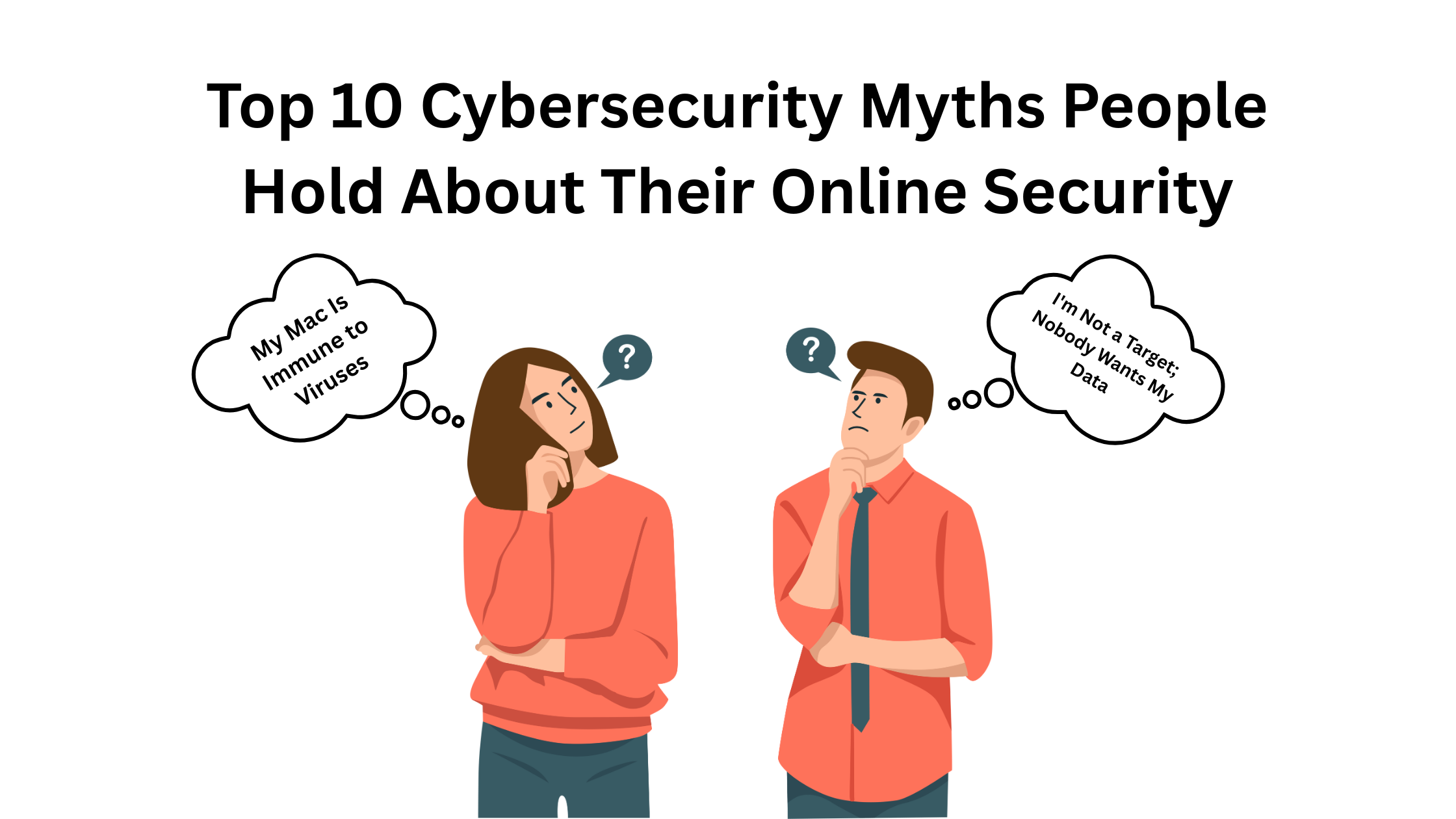
Top 10 Cybersecurity Myths People Hold About Their Online Security
Myth 1: I’m Not a Target; Nobody Wants My Data
Who is the primary target for modern cybercriminals? Every internet-connected system is a target, regardless of size or perceived value, due to widespread automated scanning. Cybercriminals cast wide nets using automated tools to scan the internet for any vulnerable system. Your system is valuable for its computing power or as a gateway to other networks.
- Real-World Example: The infamous Mirai botnet attack relied on compromising thousands of insecure home routers and IoT devices. None of those device owners were high-profile targets. The botnet simply exploited default passwords and weak firmware.
- Data and Source: Over 80% of organizations worldwide reported a significant increase in their overall attack volume in 2024. (Source: Symantec Global Threat Report).
- Technical Details: Automated tools scan IP address ranges for open ports and known vulnerabilities. Once found, the system is exploited for botnet recruitment or data theft. The attacker does not care about the size of the target.
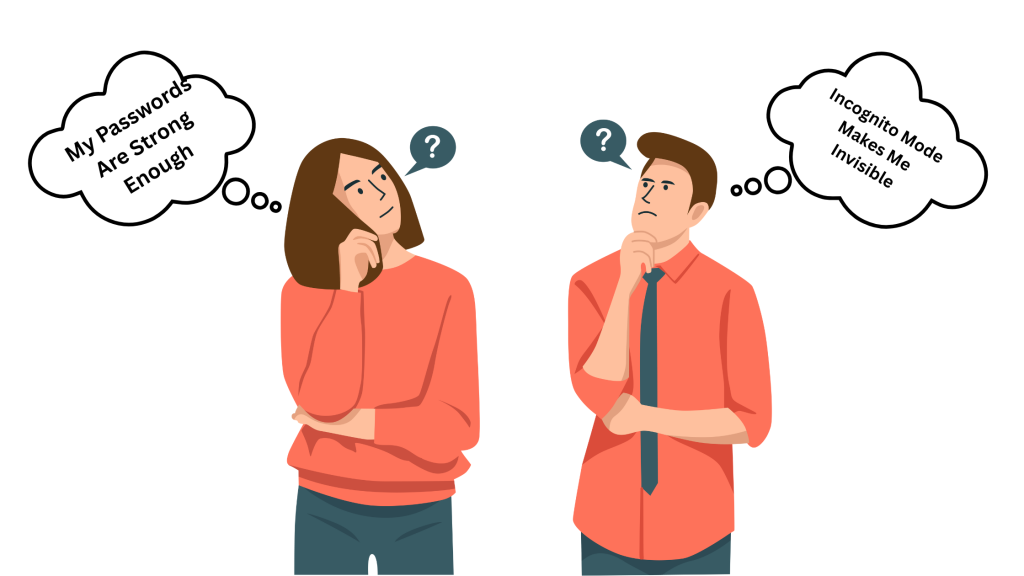
Myth 2: My Passwords Are Strong Enough
What is the best defense against basic password cracking techniques? Multi-factor authentication (MFA) is the best defense, as strong passwords alone are easily defeated by modern cracking techniques. Hackers use techniques like brute-force and dictionary attacks to compromise credentials quickly. MFA adds a crucial extra layer of defense.
- Real-World Example: In 2020, hackers breached a major social media platform. They used credential stuffing, which uses leaked passwords from old breaches. Strong, unique passwords and MFA would have stopped the attack instantly.
- Data and Source: Microsoft recommends that all users activate MFA immediately. MFA blocks over 99.9% of account compromise attacks. (Source: Microsoft Security Report).
- Technical Details: MFA requires two or more authentication factors, such as a password and a one-time code sent to a phone. This makes gaining access exponentially harder for any attacker, even if they know the password.
Myth 3: Antivirus Software Provides 100% Protection
Why is signature-based antivirus software insufficient against new threats? Antivirus software relies on detecting known threats and fails against zero-day vulnerabilities and sophisticated, polymorphic malware. Antivirus software is a critical component of security, but it cannot provide absolute protection. It uses signature-based detection, meaning it can only identify threats already in its database.
- Expert Advice: Cybersecurity firm Palo Alto Networks advises shifting from signature-based tools to Endpoint Detection and Response (EDR) systems. Zero-day vulnerabilities remain a top threat vector.
- Technical Details: Signature detection compares files against known malware signatures. Zero-day exploits use vulnerabilities attackers find before software vendors discover them. Advanced malware uses polymorphism to change its code continuously, bypassing simple signature detection.
Myth 4: Incognito Mode Makes Me Invisible
Does Incognito Mode prevent tracking from your ISP or websites? No, Incognito Mode only prevents your local browser from saving cookies and history; it does not hide your IP address or stop external tracking. Incognito mode (private browsing) does not make you invisible online. It creates a temporary browsing session that is cleared upon closing.
- Real-World Example: Google faced a class-action lawsuit for allegedly tracking users even when they used Incognito Mode. The suit highlighted that external Google tools embedded on websites still tracked user IP addresses.
- Expert Advice: The Electronic Frontier Foundation (EFF) advises users that Incognito Mode provides only limited local privacy. They recommend using a Virtual Private Network (VPN) to mask your IP address from third parties.
- Technical Details: Incognito mode does not hide your IP address. Your Internet Service Provider (ISP) still monitors your traffic. Websites and external tracking services can still use your IP address to pinpoint your approximate location.
Myth 5: I Don’t Need to Update Software Regularly
Why are software updates the single easiest security defense measure? Regular software updates contain security patches that close known vulnerabilities, and neglecting these updates leaves the system open for immediate exploitation by attackers. Updates are crucial for maintaining cybersecurity health. Attackers actively search for unpatched systems.
- Data and Source: CISA (Cybersecurity and Infrastructure Security Agency) frequently reports on critical, exploited vulnerabilities. Patches for these fixes are often available within days of discovery. Attackers rely on the fact that many users delay updates.
- Technical Details: Vulnerabilities in common software provide easy entry points for attackers. Software vendors rush to release updates to fix these flaws. Attackers exploit known, published weaknesses when systems remain unpatched.
Myth 6: Free Wi-Fi Is Always Safe
What essential tool must you use when connecting to public Wi-Fi? You must use a Virtual Private Network (VPN) on public Wi-Fi, as these networks are often unsecured and allow cybercriminals to easily intercept transmitted data. Public Wi-Fi networks, especially those without passwords, are inherently insecure.
- Real-World Example: In a demonstration at a major security conference, researchers successfully intercepted logins and passwords from users connected to a fake public Wi-Fi hotspot in a coffee shop.
- Expert Advice: Security experts unanimously agree that public Wi-Fi connections are susceptible to man-in-the-middle attacks. A VPN is mandatory because it encrypts the connection.
- Technical Details: Without encryption, data transmitted over public Wi-Fi can be intercepted by malicious actors running tools like “sniffers.” A VPN encrypts your entire internet connection, protecting your data from eavesdropping.
Myth 7: My Mac Is Immune to Viruses
Are Mac computers protected against modern cyber threats? No, Macs are not immune; they are increasingly targeted by financially motivated cybercriminals using malware like Trojans, ransomware, and adware. While Mac security has historically been better than Windows, this is changing quickly.
- Data and Source: Malwarebytes reported that Mac detections per endpoint were higher than Windows detections in 2020. Mac malware instances increased by 10% year-over-year in 2023. (Source: Kaspersky Security Reports).
- Technical Details: Macs run on a standard operating system that can be compromised through phishing and malicious downloads. The rise of Mac popularity ensures continued development of platform-specific malware by financially motivated criminals.
Myth 8: Email Attachments Are Always Safe from Friends
What action must be taken before opening an unexpected attachment from a known contact? You must always verify the email’s legitimacy through a separate communication channel before opening unexpected attachments. Cybercriminals compromise email accounts often. They send malicious attachments to the account owner’s contacts without the owner’s knowledge.
- Real-World Example: A common attack involves a compromised email account sending an invoice attachment to the contact list. The victim opens the “invoice” only to find their system infected with ransomware.
- Expert Advice: The security rule is: Verify before you click. Assume any unexpected attachment, even from a known address, could be malicious.
- Technical Details: Attackers gain access to a contact list through phishing or credential theft. They use this trust to send malware from a trusted account, bypassing the victim’s natural skepticism.
Myth 9: Phishing Emails Are Easy to Spot
Have phishing tactics become more sophisticated in recent years? Yes, modern phishing attacks use advanced social engineering and deep personalization, making them highly convincing and difficult to spot, unlike earlier poorly written attempts. Cybercriminals have become highly sophisticated in their tactics.
- Data and Source: The Anti-Phishing Working Group (APWG) reported record levels of phishing attacks in 2024. These campaigns increasingly utilize spear-phishing, which targets specific individuals with tailored messages.
- Technical Details: Sophisticated attackers often impersonate high-level executives or trusted vendors. They use specific, timely information about the recipient to build trust and manipulate the victim into clicking a link or transferring funds.
Myth 10: I Can Delete My Data Securely
What happens to a file after it is deleted from the trash bin? Deleting a file only marks its space as available for reuse by the operating system; specialized data recovery tools can often retrieve the file until new data overwrites the space. Deleting data does not guarantee permanent removal.
- Expert Advice: Organizations dealing with sensitive data must use data shredding software that overwrites the file multiple times with random data patterns. Physical destruction is the only guarantee for physical storage.
- Technical Details: Until new data is written over the sector, the old data remains recoverable using specialized software. Secure erasure techniques ensure the data is overwritten multiple times, making recovery highly impractical.
Frequently Asked Questions (FAQs)
What’s the most secure password strategy?
The most secure password strategy involves using complex, unique passwords for every single account. Avoid using easily guessable information like common words or birthdays, and make passwords at least 12 characters long. A password manager should be used to securely generate and store these strong, unique passwords for all your online accounts.
How can I protect my smartphone from cyber threats?
Protecting your smartphone starts by ensuring it has the latest operating system and app updates installed immediately. Use a screen lock or biometric authentication like fingerprint or face recognition. Always be cautious when granting app permissions, and only download applications from official, reputable app stores to minimize malware risk.
What should I do if I suspect a phishing email?
If you receive an email that you suspect is a phishing attempt, you must not click on any links or download any attachments contained within it. Instead, independently verify the email’s legitimacy by contacting the organization through their official website or a known phone number. Reporting the phishing attempt to your email provider also helps protect others from falling victim to the same scam.
What is cybersecurity, and why is it important?
Cybersecurity refers to the comprehensive practice of protecting computer systems, networks, and digital data from theft, damage, or unauthorized access. It is essential because our modern world relies heavily on digital technology for finance, communication, and infrastructure. Without effective measures, businesses and individuals are vulnerable to attacks that cause data breaches and significant financial losses.
What are common cybersecurity threats that individuals should be aware of?
Individuals commonly face several threats, including phishing, which tricks people into revealing personal information or clicking malicious links. Ransomware is a significant threat that encrypts a user’s files and demands a ransom for decryption. Other threats involve malware, password attacks like credential stuffing, and social engineering, which manipulates psychology to gain information.
How can I create strong and secure passwords?
Creating strong passwords involves using a mix of uppercase and lowercase letters, numbers, and symbols in a unique combination. Make sure the password is at least 12 characters long, and avoid using any easily guessable personal information. Using a passphrase—a longer, memorable sentence—is also a highly effective method for ensuring security.
What is multi-factor authentication (MFA), and why is it important?
Multi-factor authentication (MFA) is a security method requiring users to provide two or more distinct verification factors to access an account. These factors typically include something you know (like a password) and something you have (like a phone or physical token). MFA is crucial because it adds a vital extra layer of security, making it significantly harder for attackers to gain unauthorized access, even if they possess your password.
What should I do if I suspect my computer or accounts compromised?
If you suspect your system has been compromised, you must immediately change your passwords for all affected accounts. Run a full system scan with updated antivirus and anti-malware software to identify threats. You should also disconnect the device from the internet to stop further damage and report the incident to a cybersecurity professional for investigation.
I have nothing to hide. Why should I protect myself?
Protecting yourself is not just about hiding something illicit; it is primarily about safeguarding your data privacy and preventing identity theft. Personal data, including financial and communication history, can be used by cybercriminals for fraud or other serious crimes. Cybersecurity minimizes these risks and ensures you maintain control over your digital reputation and financial security.
Will a VPN help?
A Virtual Private Network (VPN) significantly enhances your online privacy and security by encrypting your internet traffic. This encryption makes it extremely difficult for third parties, such as hackers or ISPs, to intercept and monitor your online activities, especially on public Wi-Fi. It also masks your IP address, adding an extra layer of anonymity and helping prevent online tracking.